Link Addon
Link your setup
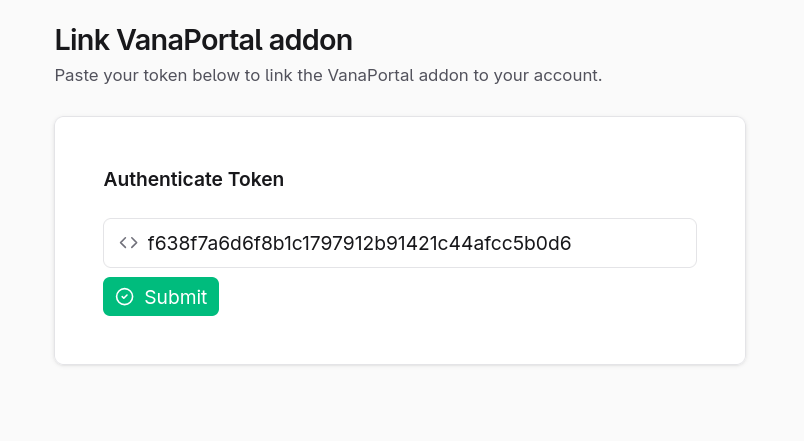
To connect your addon and plugin with your Vana Portal account, you need to complete the link process once.
During first-time setup, the plugin creates a link token for your account.
Run the vp link command to:
- open the link page in your browser
- copy your token to the clipboard
Warning
You must be logged in to your Vana Portal account before you can complete the link process.
After linking
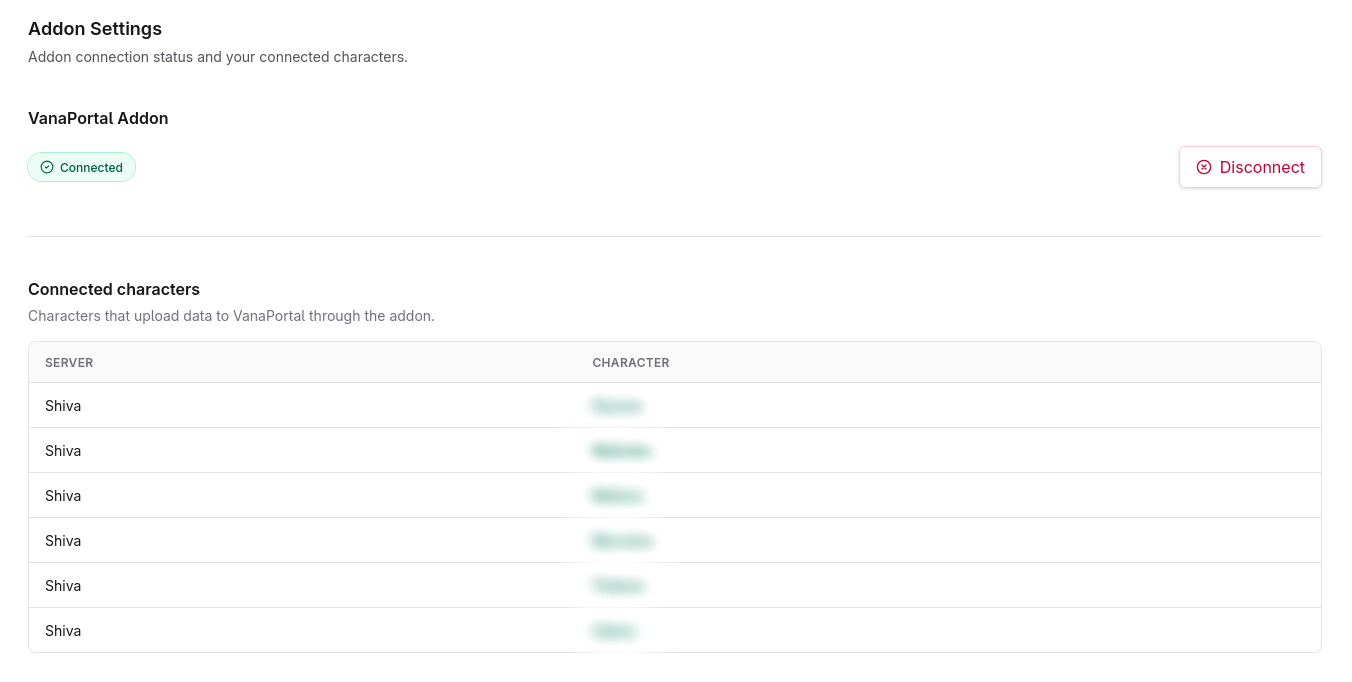
Once linked, you can see your linked characters on the Vana Portal profile page.
You only need to complete this setup once. After that, the addon and plugin will automatically track characters on that PC.
Using multiple PCs
If you play from more than one PC, you need to copy your plugin folder and the config.ini and .state.ini files to the other system.