User Guide
This page gives a quick overview of some of the main features available on Vana Portal.
Inventory Management
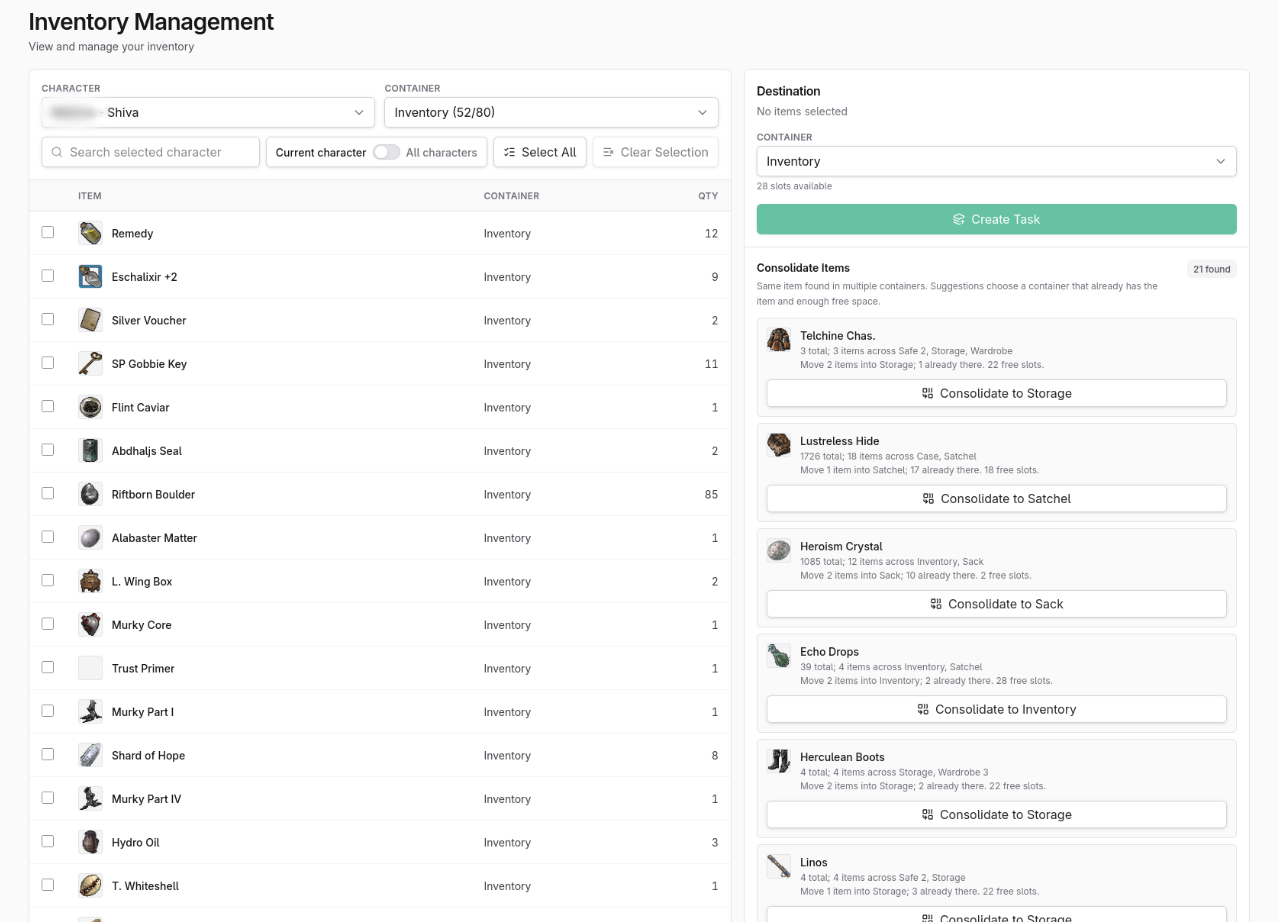
Once you have linked your addon to your account, you can use the Inventory Management feature.
Its purpose is to give you a complete overview of your inventory across all supported containers.
Overview
You can review the items you have across all available and unlocked containers. You can also search across those containers to quickly find a specific item.
Search on all linked characters
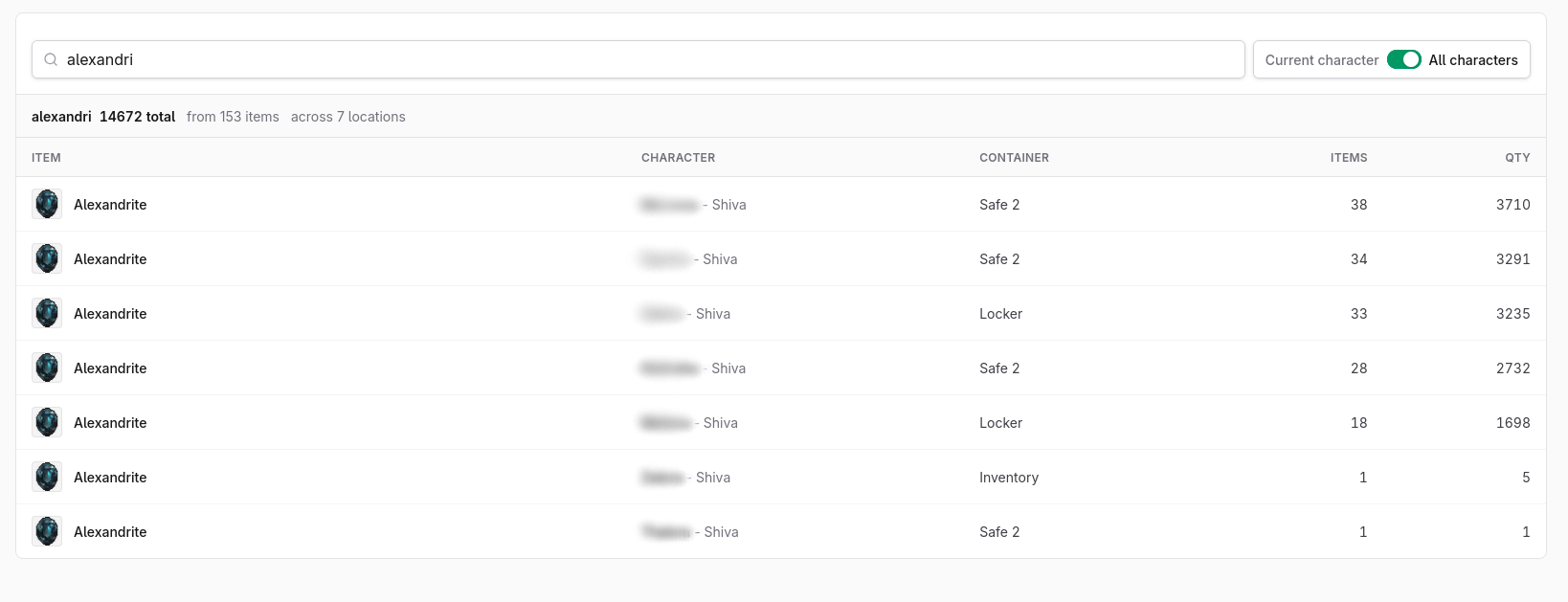
You can also search across all linked characters, similar to the findAll addon.
This makes it easy to see which character has an item and which container it is stored in.
Character Panel
Character Summary
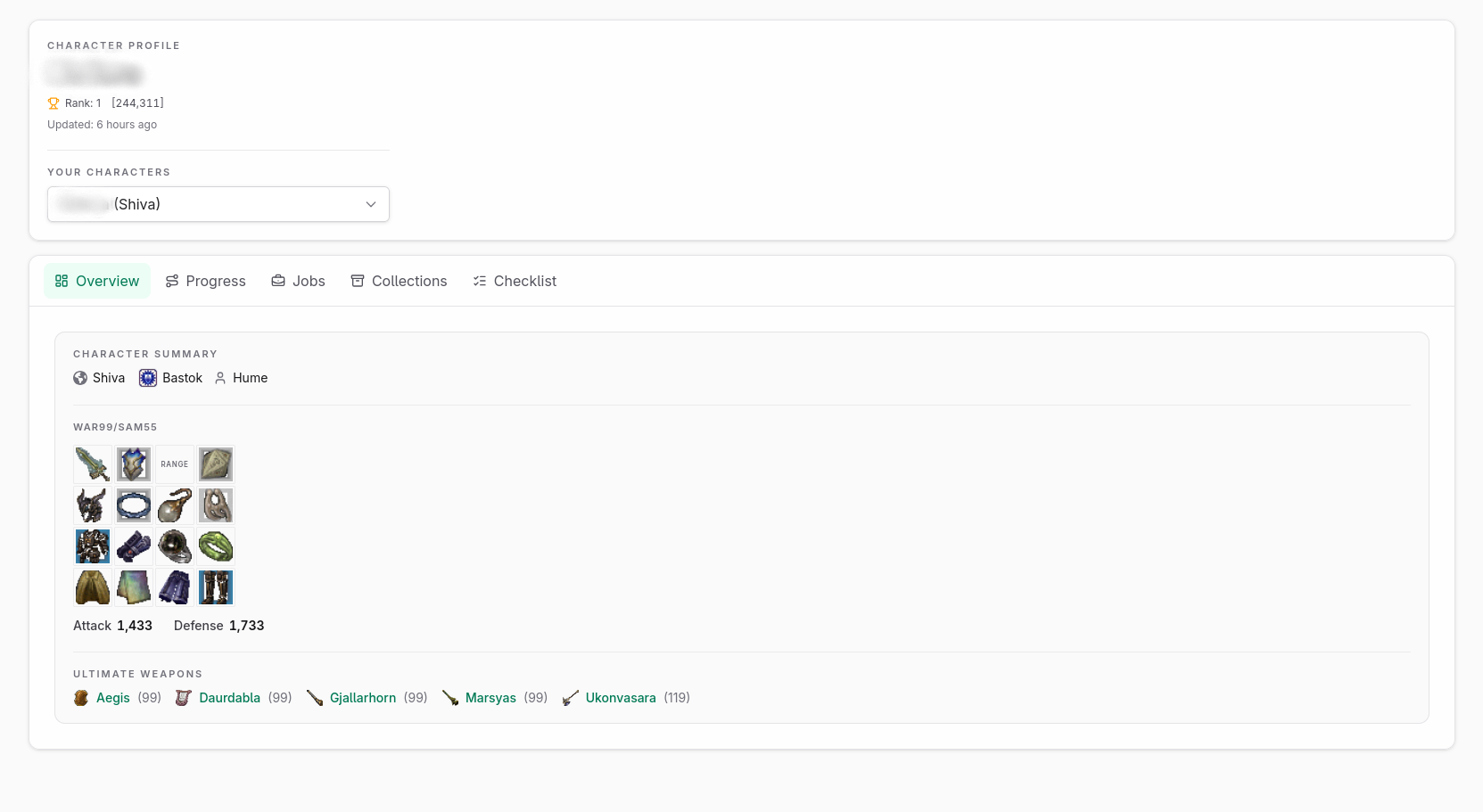
The Character panel gives you a summary of your character and is divided into tabs and categories for easier browsing.
Progression
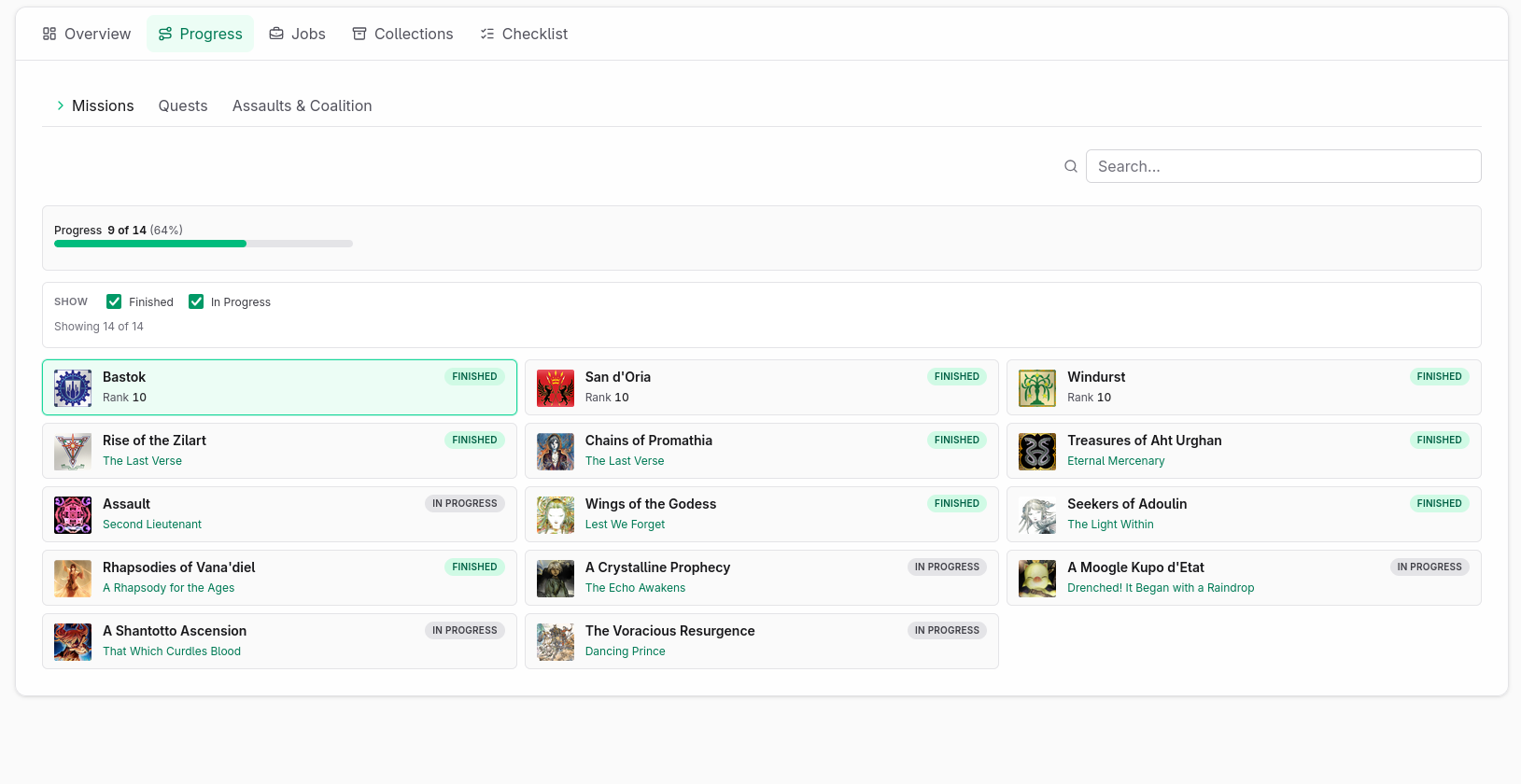
The Progression tab shows progression-related data for your character.
This is where you can track mission, quest, assault, and coalition progress.
Jobs
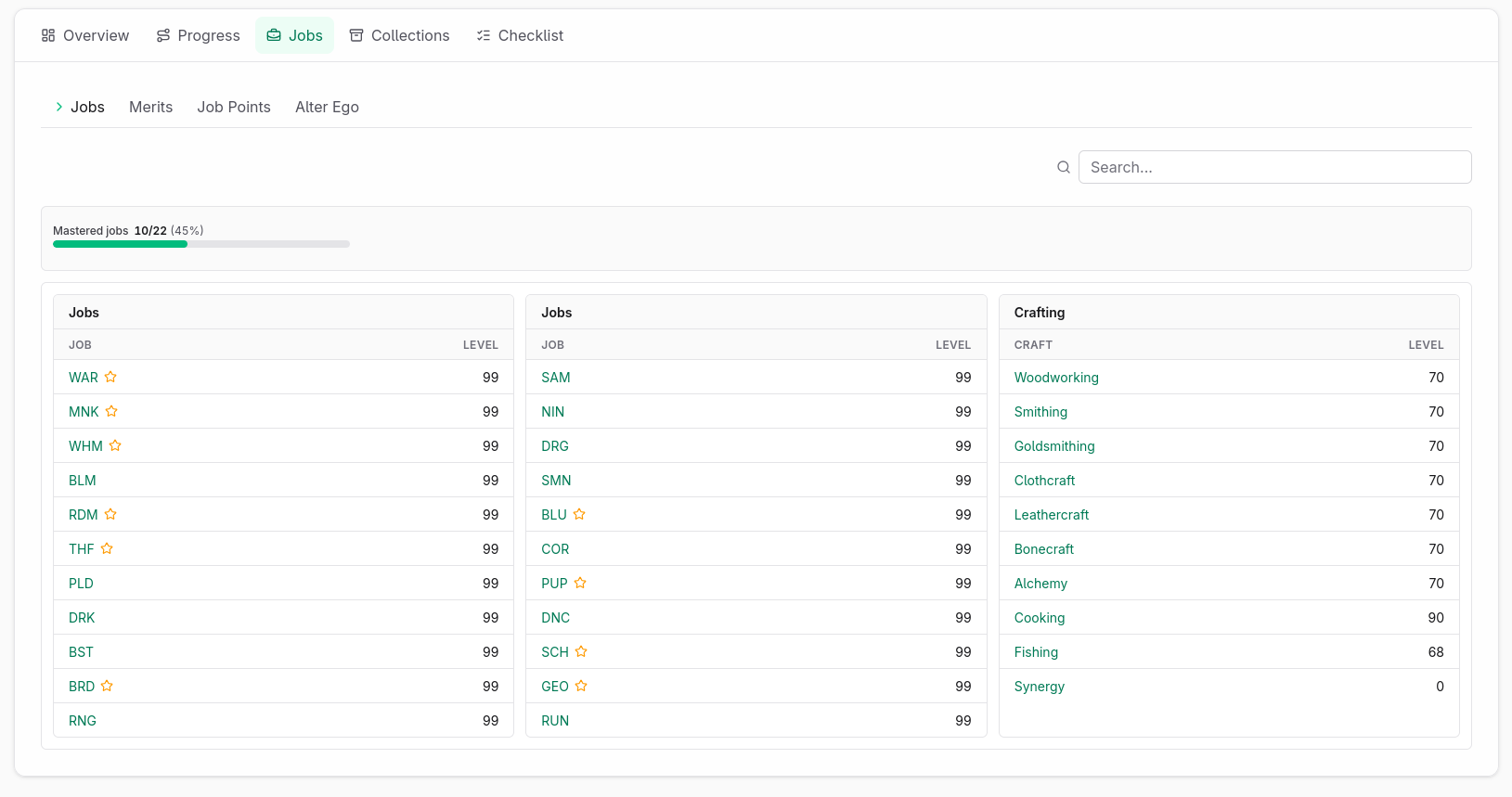
The Jobs tab shows your job and level progression.
Here you can review leveled jobs, crafting progress, merits, Job Points, and Alter Ego progression.
Collections
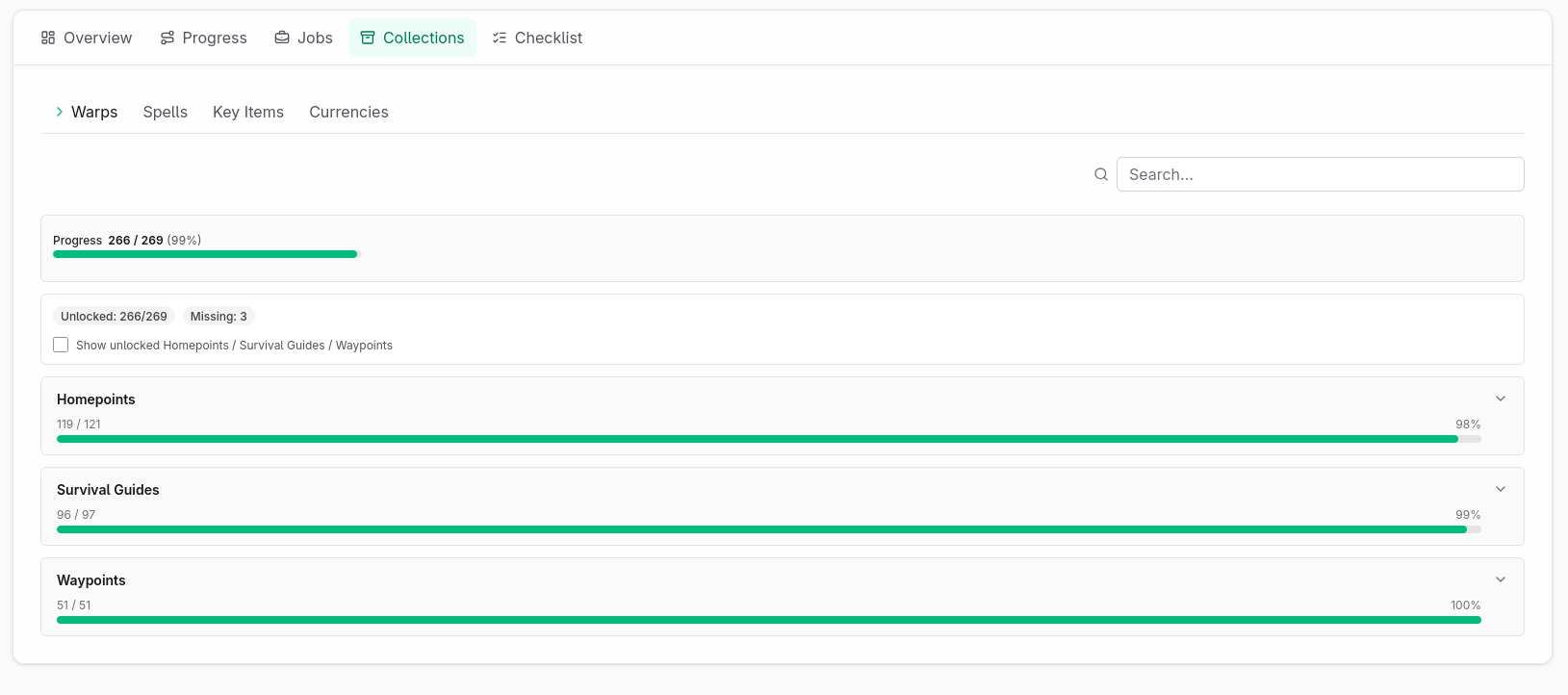
The Collections tab shows your collection-related data.
Here you can track quick-travel unlocks, obtained and missing spells, key items, and currencies.